Martin Hall
East Village
Virtual Tour & Hall Images
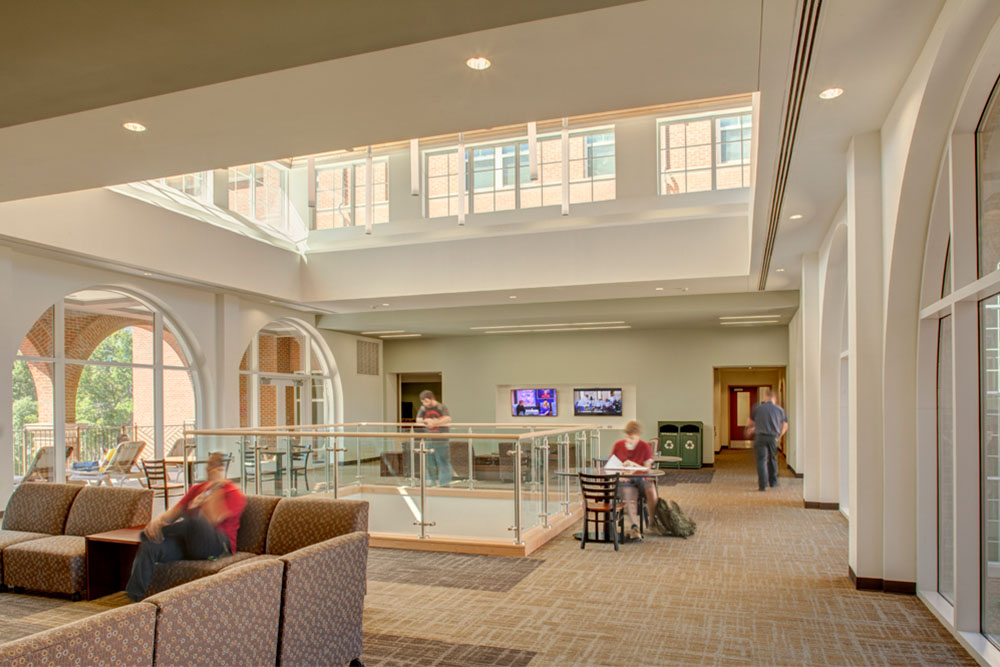
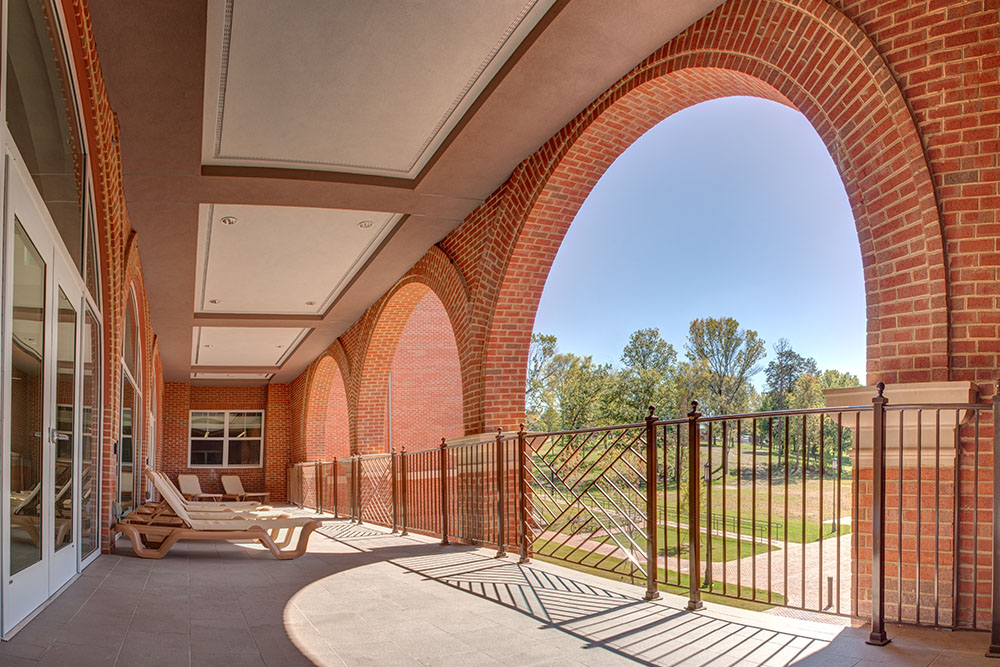
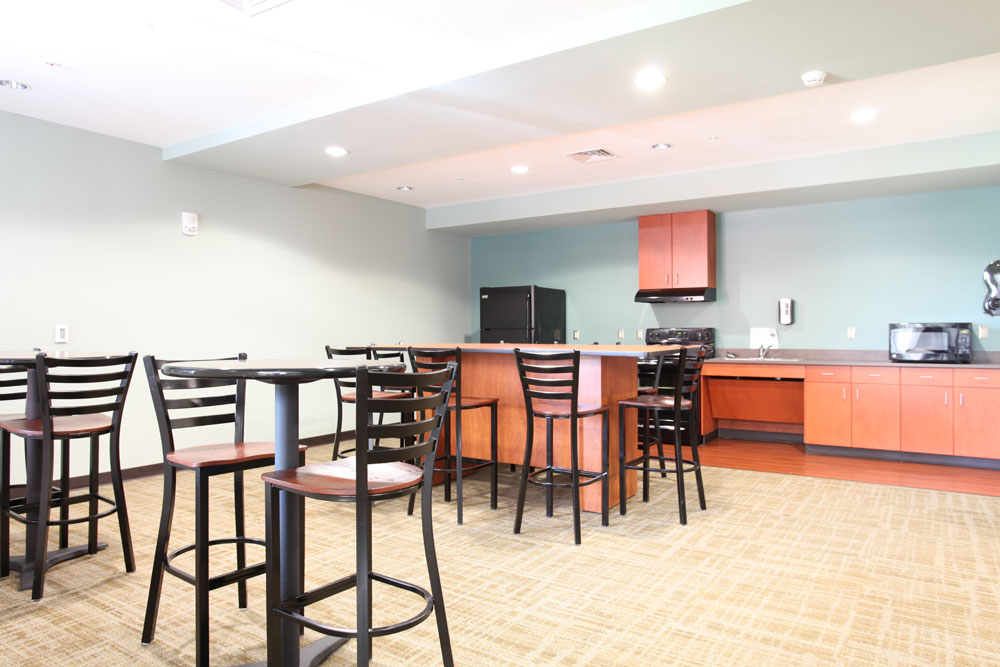
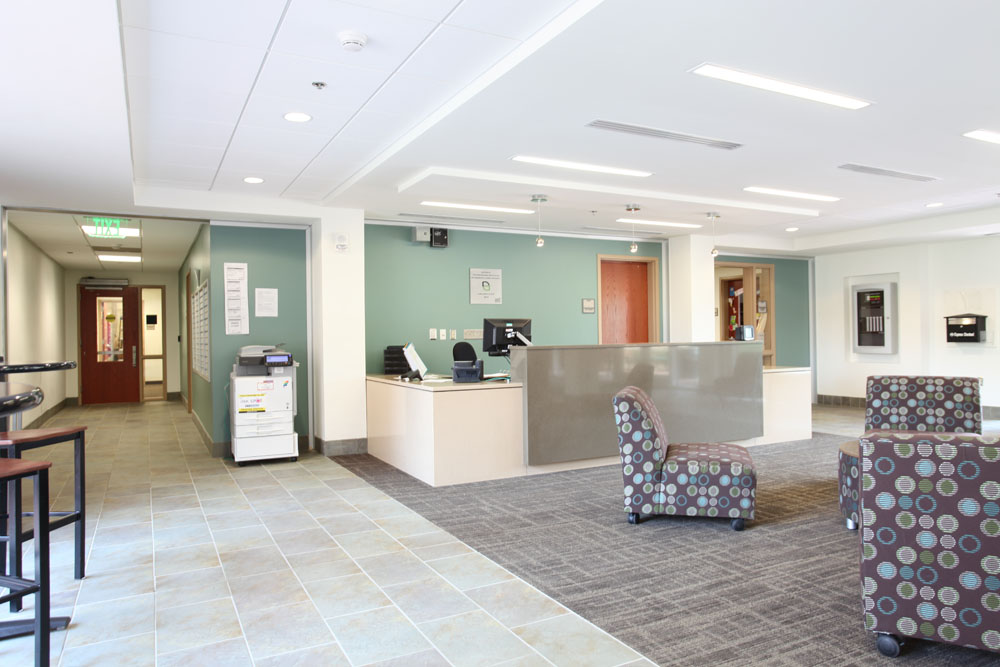



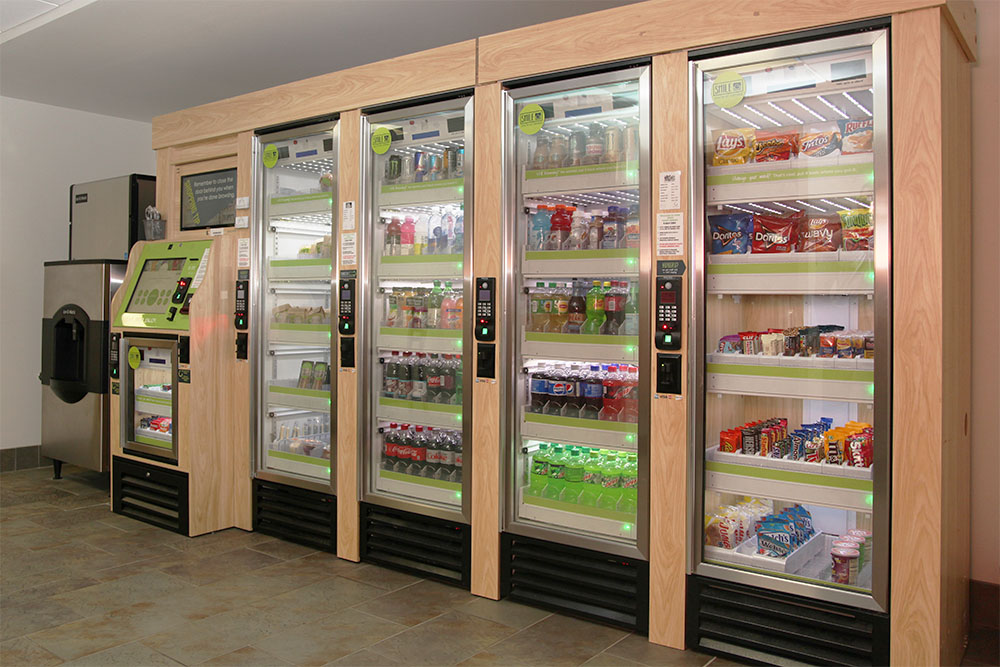
Amenities
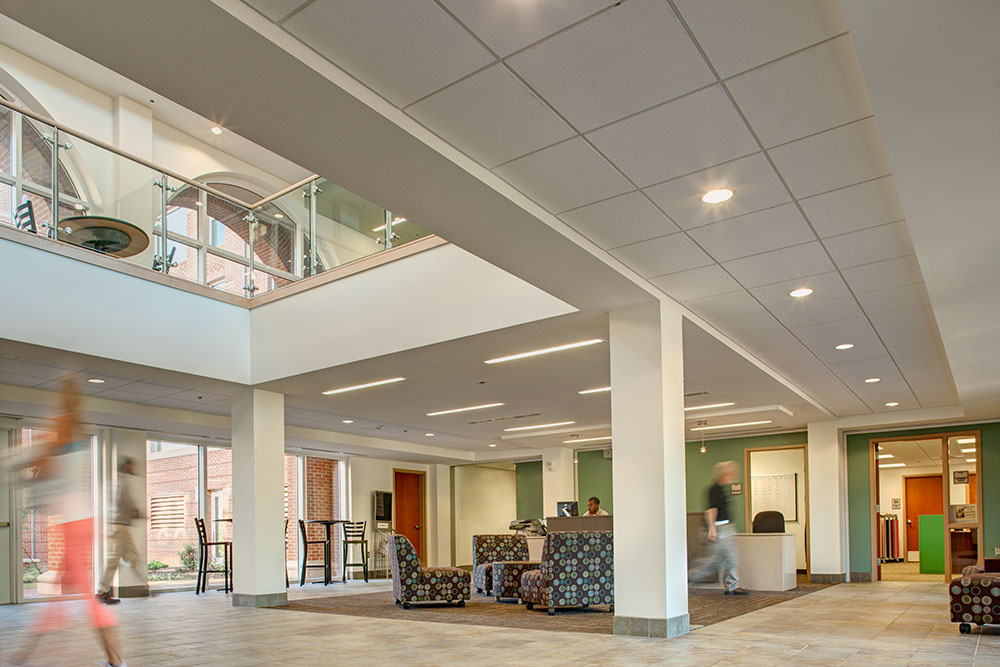
- Atrium
- Cable TV
- Community Kitchen(s)
- Community Lounge(s)
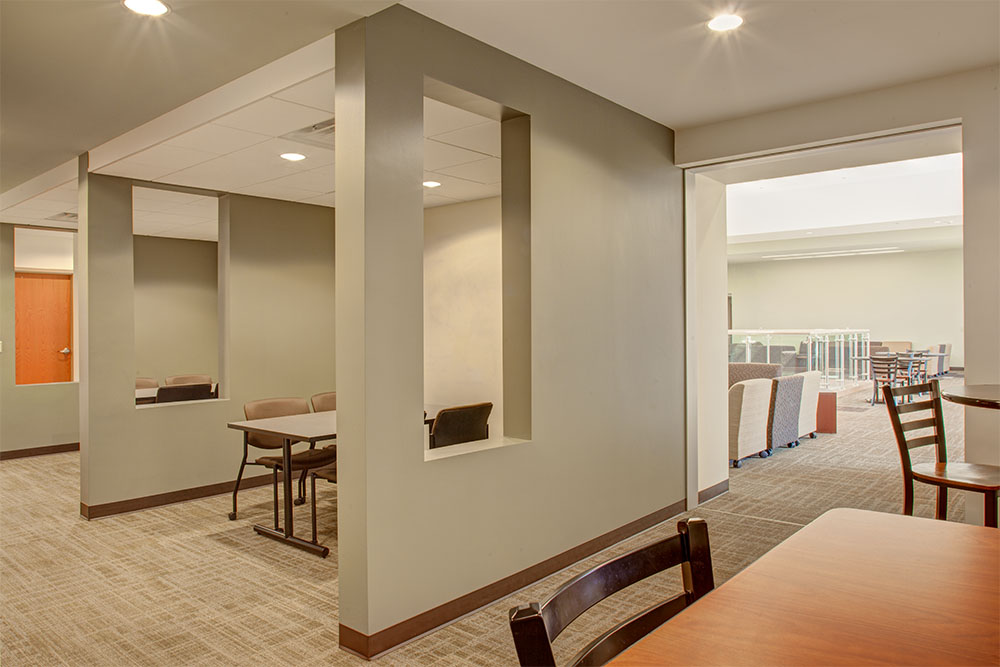
- Community Study Lounge(s)
- Elevator(s)
- Gaming Area
- Internet & WiFi
- Outdoor Patio Space
- PaperCut Printing
Hall Staff
 Justin SanchezAssistant Director for Staff and Leadership ProgramsInterim Residence Education Coordinator for Martin Halljsanch67@charlotte.eduHousing and Residence Life Main Office | Martin Hall

Room Types
Bedroom Furnishings
 3 Drawer Dresser
 Bed (Can Be Raised)
 Closet
 Desk & Chair
 Twin XL Mattress (36" by 80")
Shared Space Furnishings
 Full Size Fridge
 Microwave
 Private Washer and Dryer
 Small Breakfast Table With 2 Chairs
 Sofa
Sofa Stove Top and Oven
 TV Stand
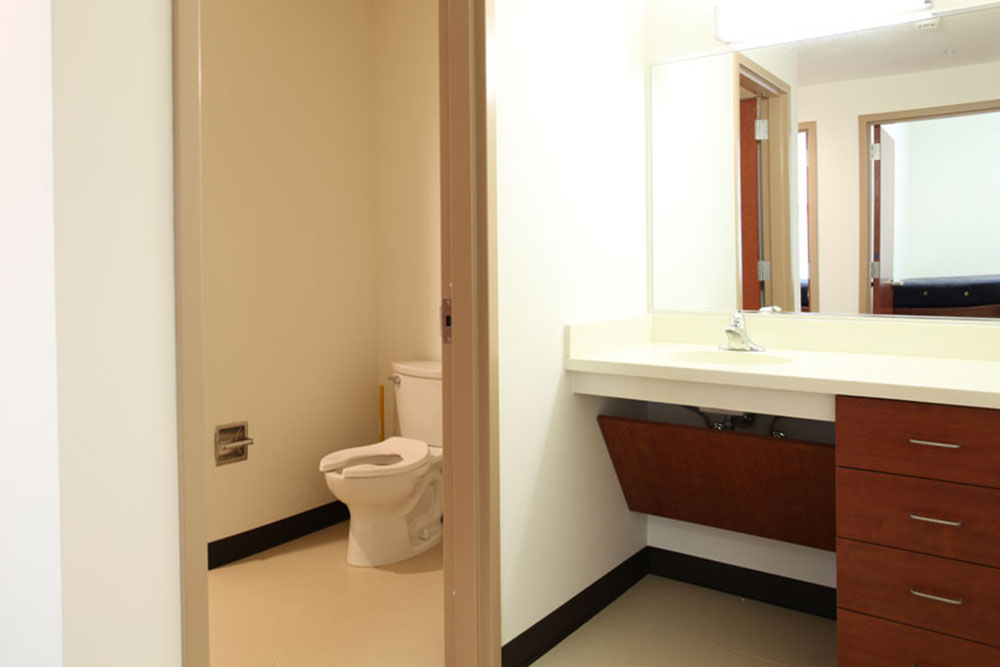
Floor Plan & Images
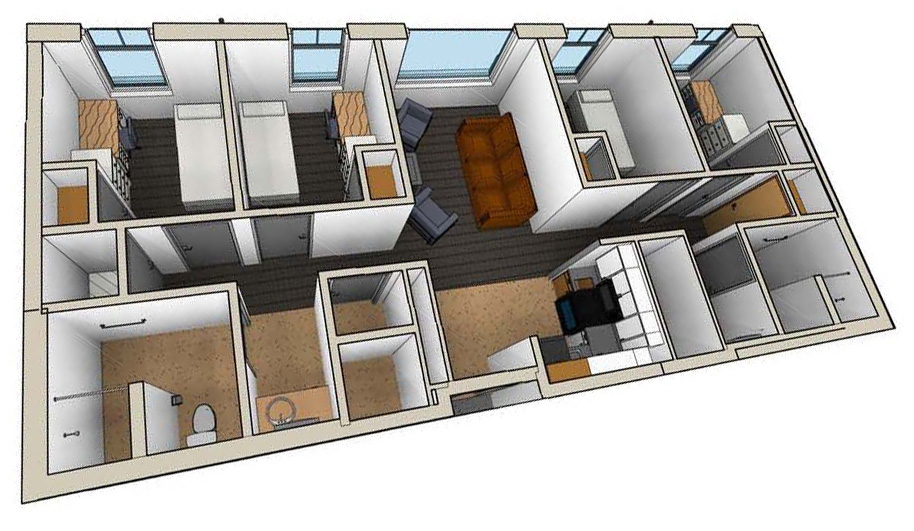
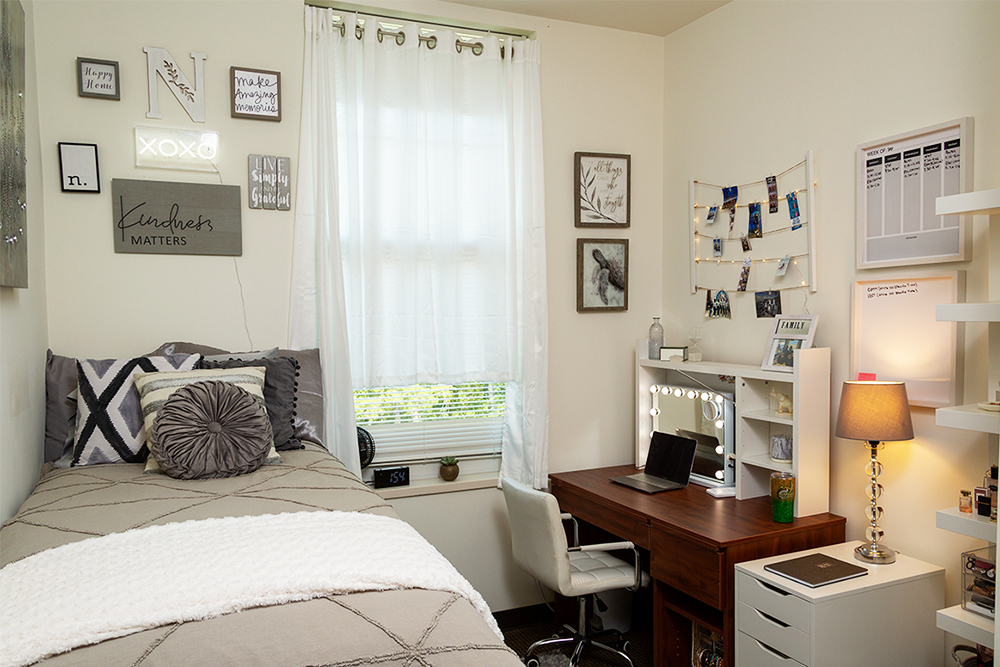
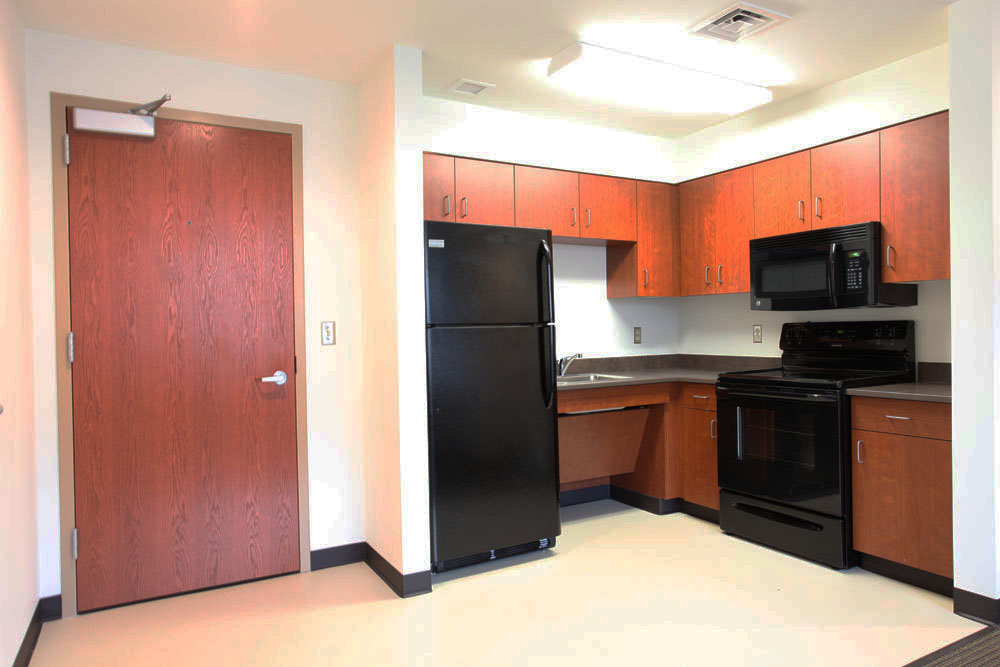
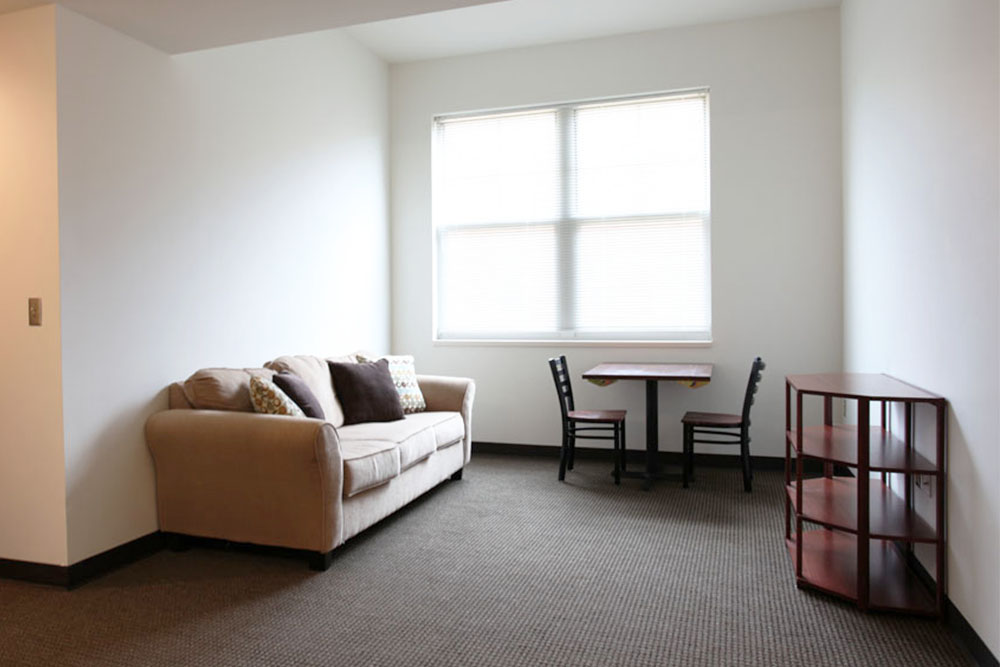
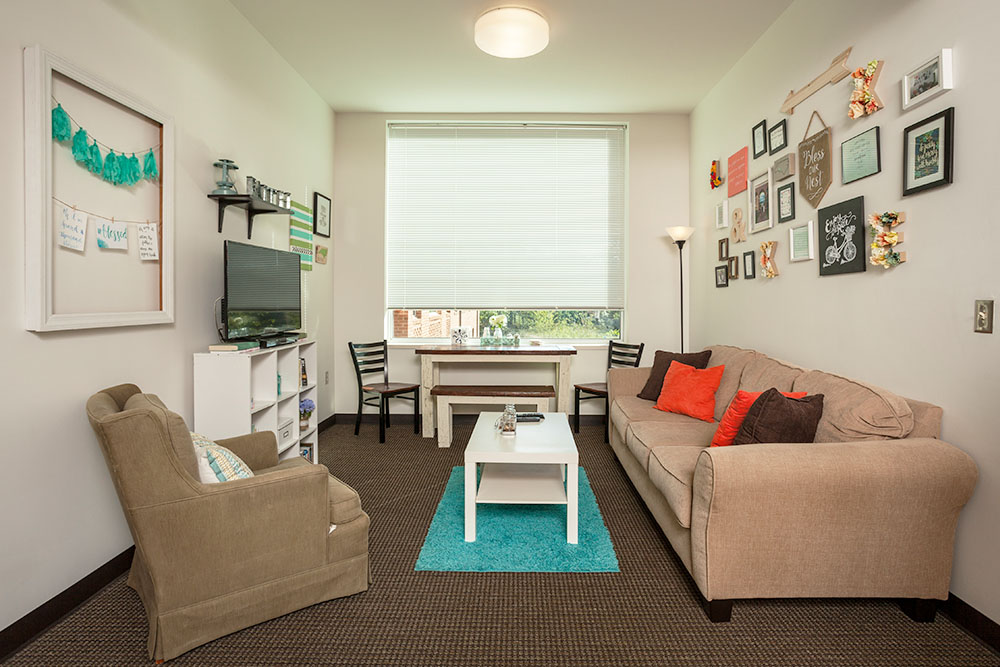
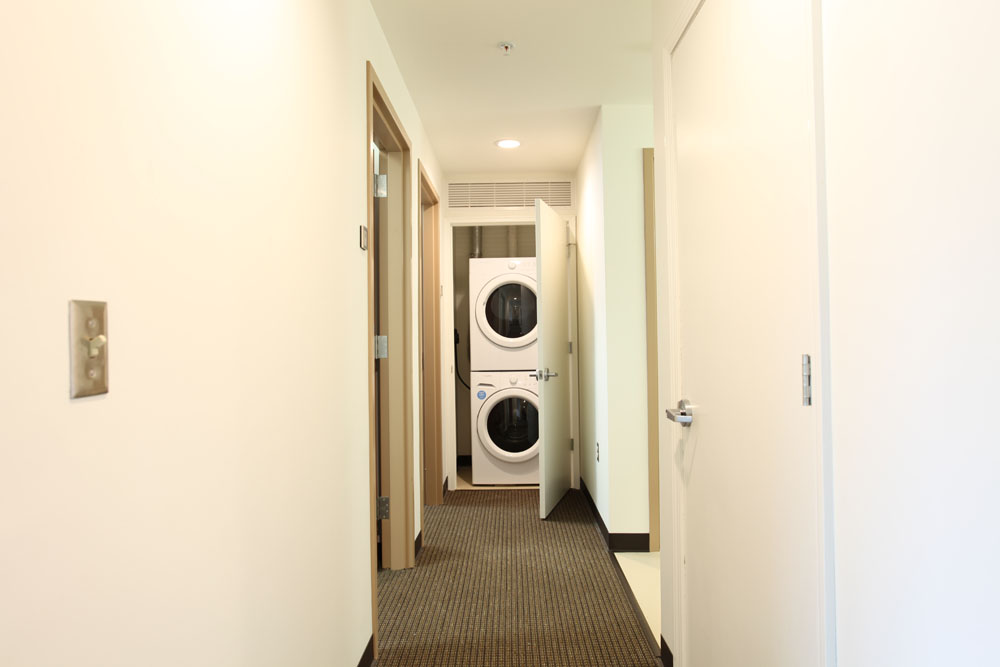
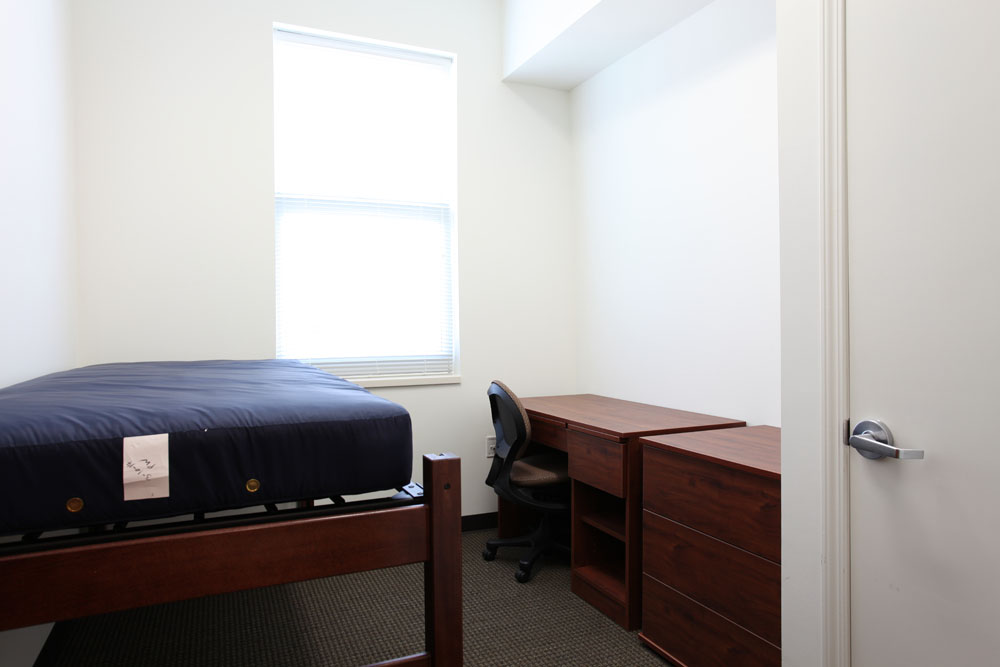
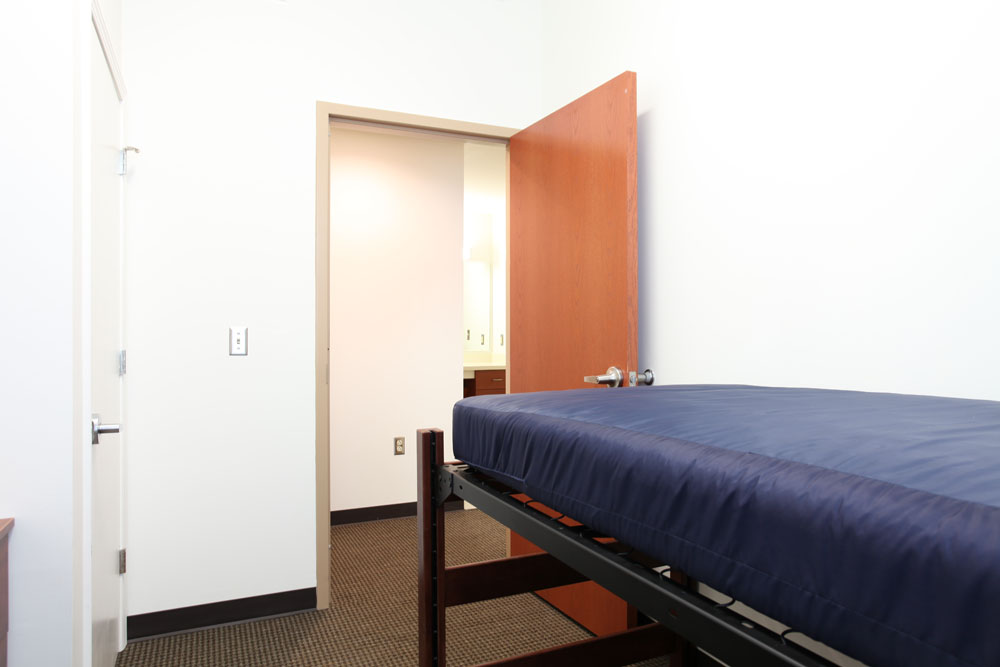
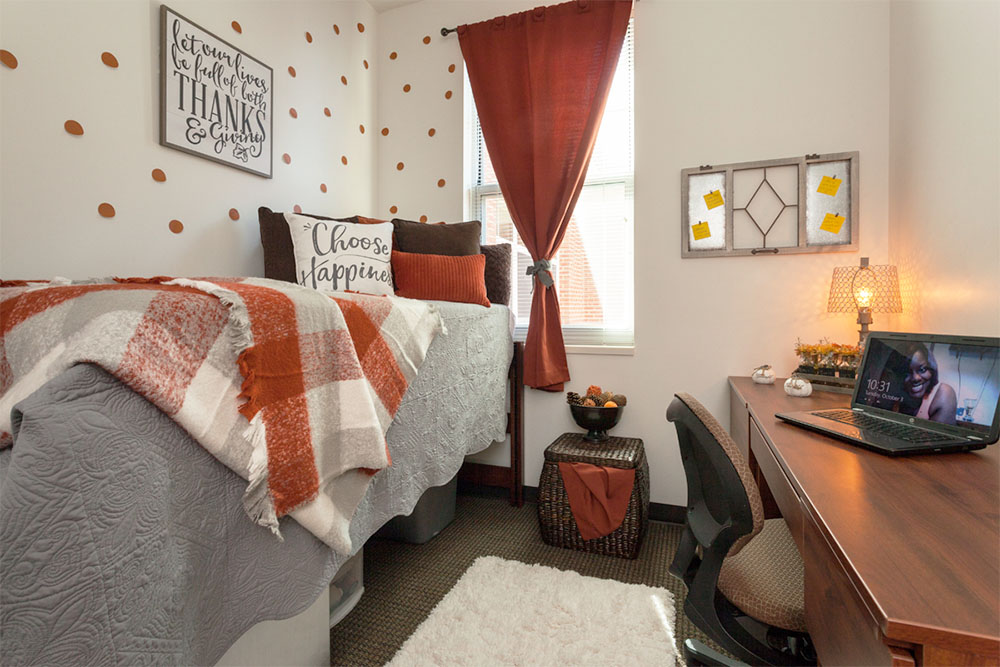
Bedroom Dimensions: Bedroom Dimensions: 9'6" x 13'
*NOTICE: the provided room dimensions are approximations only. Room dimensions vary from location to location so it is not possible for us to provide exact specifications for every room on campus.
*NOTICE: the provided room dimensions are approximations only. Room dimensions vary from location to location so it is not possible for us to provide exact specifications for every room on campus.
*NOTICE: the provided room dimensions are approximations only. Room dimensions vary from location to location so it is not possible for us to provide exact specifications for every room on campus.
*NOTICE: the provided room dimensions are approximations only. Room dimensions vary from location to location so it is not possible for us to provide exact specifications for every room on campus.
Room Information
Check out additional information to learn more about your room!
- Sofa: 84" X 36" X 30"
- TV stand: 42" X 18" X 32"
- Breakfast table: 36" X 30" X 29"
- Breakfast table chairs- 33' tall
- Desk: 48" X 24.5" X 30"
- Dresser: 29.5" X 24.5" X 30"
- Mattress: Twin XL (36" X 80")
- Bed frame: 86" X 38"
- Adjustable bed heights: at their lowest setting, the bottom of the springs is 8" off floor. The top of the mattress is 17 1/2"; at their highest setting, the bottom of the springs is 33" off the floor. The top of the mattress is 42 1/2".
Select mode: Auto/Cool/Heat/Off
- While in Heat/Cool mode, use up/down arrow to select desired set point.
- If you choose Auto, it will switch from cool to heat automatically based on desired set points.
- Note: there should not be more than a 3 to 4 degree difference in set points for auto.
You can also select your Fan function from Auto to On.
- Difference being that when it is in on fan will run 24/7, in auto it runs only when the unit is calling for heat/cooling